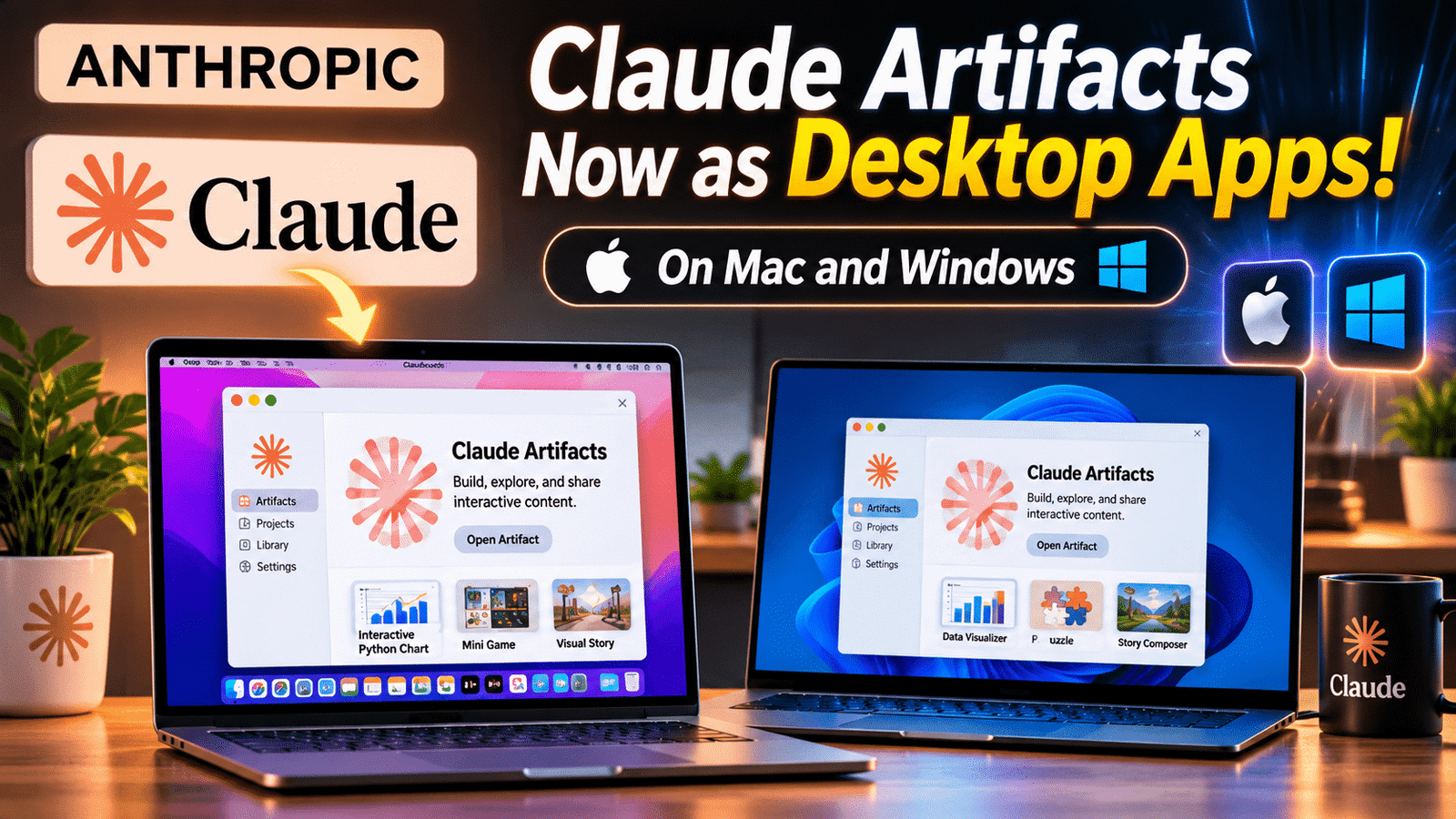
Anthropic has launched a beta feature letting users install Claude artifacts as standalone Mac and Windows desktop apps with custom icons, auto-updates, and three-tier security permissions.
Anthropic has rolled out a new beta feature allowing users to turn Claude artifacts into standalone desktop apps on both Mac and Windows. Rather than remaining confined inside a chat window, custom tools built with Claude can now launch in dedicated application windows with their own desktop icons.
Once installed, these desktop apps connect directly to your Claude account and existing connectors, sync automatically whenever the underlying artifact is updated, and can be shared with other users—requiring no manual code signing, packaging, or separate API keys. However, any requests an installed app sends to Claude still count toward your regular plan usage limits.
Table of Contents
What Installed Claude Desktop Apps Can Do
Desktop-installed artifacts act like lightweight native utilities across macOS and Windows. They can deliver desktop notifications, pin items to your Mac menu bar or Windows system tray, and operate independently alongside other windows.
Anthropic team members have already built several internal desktop tools using the capability:
-
Linnet: A multi-layered image editor.
-
Phosphor: A movie-set-styled file manager.
-
Sift: An automated folder-organizing utility driven by Claude rules.
-
Tern: A terminal assistant that helps run and explain commands.
-
Vitals: A menu bar and system tray monitor for tracking computer performance.
Three-Tier Permission Model & Security Controls
To manage how AI-generated tools interact with your computer, Anthropic enforces a three-level permission system—and requires fresh permission approval every time an app is edited or updated, even if you made the changes yourself:
| Permission Level | What the App Can Access |
| Default | Limits the app strictly to standard browser-equivalent actions with no extra system privileges. |
| App Permissions | Unlocks tightly controlled desktop functions such as always-on-top windows, global keyboard shortcuts, and system notifications. |
| Full Computer Access | Permits the app to run local programs and read, modify, or delete files without repeated prompts—available only for apps you created or apps built within your Team/Enterprise organization. |
(Note: If an app loads external elements from a third-party website, those remote components can update without triggering a new permission prompt.)
Plan Availability, Exclusions, and Setup Steps
The “Install as app” feature is available in beta across all Claude plans, with specific enterprise governance and technical requirements:
-
Team & Enterprise Controls: Enabled by default on Team plans (with Full Computer Access disabled by default), while Enterprise plans keep it turned off until an organization owner enables it.
-
Requirements & Exclusions: Users must be online and logged into Claude to run an installed app. HIPAA-ready organizations, hybrid deployments, and certain artifact formats—including Claude Docs, Slides, and Sheets—are excluded.
How to Install a Claude Artifact as a Desktop App
-
Update your Claude desktop client on Mac or Windows to the newest release.
-
Open a daily-use artifact or prompt Claude to build and preview a new tool.
-
Click the Share menu on the artifact and choose “Install as app.”
Frequently Asked Questions
How do you install a Claude artifact on Mac or Windows?
Update the Claude desktop app on macOS or Windows, open a supported artifact, click the Share menu, and select “Install as app”—no separate login, packaging, or API key is required.
Who can grant Full Computer Access to a Claude desktop app?
Full Computer Access—which lets an app run programs and read, change, or delete local files—can only be granted to apps you created yourself or apps created by members of your Team or Enterprise organization.
Are any Claude artifacts excluded from desktop installation?
Yes. Claude Docs, Slides, and Sheets cannot be installed as standalone desktop apps, and the feature is not supported for HIPAA-ready organizations or hybrid deployments.